Finance
6 mins
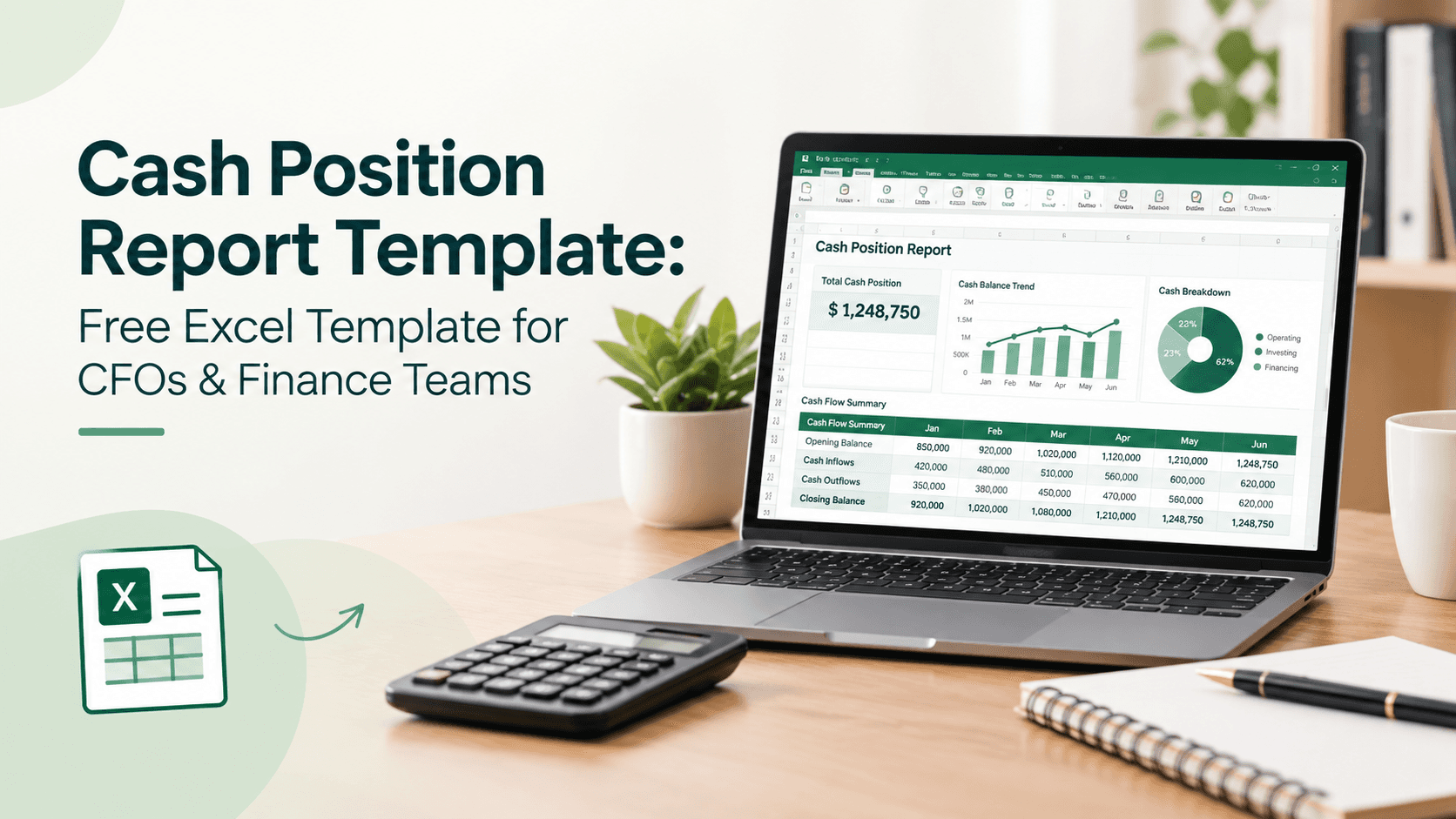
Yes, a free cash position report Excel template can save a finance team hours each week, and we've built one you can grab further down. It can also become a useful starting point for idle cash management, helping finance teams identify cash that is available today, what's already committed, and where excess balances may be sitting unnecessarily. What actually determines whether it works, though, isn't the spreadsheet itself; it's whether someone updates it daily and whether the layout forces you to spot risk before it becomes a problem. Plenty of teams download a template, use it for two weeks, and quietly drift back to checking five different bank logins. This piece covers what a cash position report needs, how to build one in Excel, and where the format tends to break down in practice.
Finance teams ask about cash position report templates because tracking cash by feel stops working once you have more than one bank account and more than one signer on it. The instinct behind the question is a good one: you want a single view of what's available today, what's already spoken for, and what's landing this week, instead of piecing it together from memory or a dozen browser tabs. The template is just the vehicle for that. The daily habit of filling it in is what actually delivers cash visibility, not the file format.
What Is a Cash Position Report?
A cash position report is a short, usually daily, summary of how much cash a company actually has access to, broken down by account, currency, and how quickly it can be moved. It's different from a cash flow statement, which looks backward over a quarter, and different from a cash flow forecast, which looks weeks or months ahead. A cash position report sits in between: it answers what a company has right now, and what's already committed against it.
That distinction matters because a single bank balance doesn't tell a treasurer or controller anything about outstanding checks, pending wires, or sweep timing between accounts. Two companies with identical balances can have very different actual liquidity depending on what's already in motion. A cash position report closes that gap by showing committed and available cash side by side, which is really the core of cash position analysis and the starting point for liquidity management.
How Do You Prepare a Cash Position Report?
Preparing a cash position report gets simpler once you accept that it doesn't need every transaction, just the ones that move the number. Most finance teams pull opening balances from each bank account, add expected receipts for the day, subtract scheduled payments and transfers, and note anything unusual like a large wire in transit. That takes fifteen to thirty minutes once the sources are set up, not the hour or two it feels like the first week.
The part that actually eats time is chasing down numbers from five logins instead of pulling them from one. That's the real argument for a standard cash management report format: not that it looks nicer, but that it forces every account into the same structure so nothing gets missed when someone else has to fill it in during vacation season.
How Do You Create a Cash Position Report in Excel?
Whether you call it a cash position template Excel file or a daily cash worksheet, building one doesn't require anything exotic. Set up one tab per legal entity or currency if you operate in more than one, with rows for opening balance, inflows, outflows, and closing balance. A summary tab pulls those closing balances into one table so leadership can see total available cash without opening five tabs.
Formulas matter more than formatting here. Use SUMIFS to pull categorized transactions if you're linking to a general ledger export, and build in a variance column that flags when actual cash differs from what was forecast by more than a set threshold, say 10%. That variance column is usually the first thing that gets ignored and the first thing that would have caught a problem earlier.
What Should a Cash Position Report Include?
A workable cash position report format usually includes the same handful of line items, regardless of company size:
Opening balance: cash on hand at the start of the reporting period, by account.
Expected inflows: receivables, wire transfers, and card settlements due that day or week.
Scheduled outflows: payroll, vendor payments, debt service, and anything else already committed.
Net cash movement: inflows minus outflows, shown separately from the balance itself.
Closing balance: what's actually free to use once commitments are accounted for.
Variance to forecast: the gap between what was expected and what actually happened.
Skip anything that doesn't change a decision. A report with twenty line items nobody reads is worse than one with six that gets checked every morning.
How Can a Cash Position Report Help Businesses Manage Idle Cash?
A daily cash position report earns its keep by surfacing idle cash management opportunities that a monthly review would miss entirely. If a report shows two million dollars sitting in a non-interest account for three straight days, that's a decision waiting to be made, whether that's a sweep to a money market fund or an early payment to capture a vendor discount. Without daily visibility, that cash just sits there.
For a broader look at how businesses can put excess balances to work, see our guide to corporate cash management strategies, which covers practical approaches finance teams can consider when managing surplus liquidity.
AFP's 2025 treasury benchmarking survey found that 96% of finance professionals still rely on spreadsheets for planning and reporting, which tells you the template question isn't going away anytime soon. The practical answer isn't to wait for a treasury management system before getting organized. It's to run a disciplined Excel process now and treat a TMS as the next step once the account count or currency count makes manual consolidation genuinely painful.
We've also covered cash flow forecasting for finance teams, which is useful alongside a daily cash position report. The two processes complement each other: the daily report tells you what's true today, and the forecast tells you what's coming. Corporate cash management works best when both exist side by side, not when one replaces the other. It's not a choice between spreadsheets and software, it's the middle ground of a consistent process that actually gets followed every day.
FAQ
1. What is a cash position report?
It's a short daily or weekly summary of how much cash a company can actually access right now, broken out by account and adjusted for anything already committed. It's not the same as a cash flow statement or a forecast; it's a snapshot of today.
2. How do you prepare a cash position report?
Pull opening balances from each account, add expected receipts, subtract scheduled payments, and flag anything unusual like a large wire in transit. Most teams can do this in under thirty minutes once the sources are standardized.
3. How do you create a cash position report in Excel?
Set up one tab per entity or currency with opening balance, inflows, outflows, and closing balance, then roll those totals into a summary tab. Add a variance column to flag when actual cash differs meaningfully from what was forecast.
4. What should a cash position report include?
At minimum: opening balance, expected inflows, scheduled outflows, net movement, closing balance, and variance to forecast. Anything beyond that should earn its place by actually changing a decision.
5. How can a cash position report help businesses manage idle cash?
Daily visibility surfaces cash sitting idle in low- or no-interest accounts before it becomes a habit rather than a one-off. That's usually the fastest, lowest-effort improvement a finance team can make to its cash management report process.
Back to all notes
Finance
5 mins
How to Evaluate an AI-Native Treasury Platform: 10-Point Checklist
“AI-native” is now a marketing label, so CFOs need a way to test it. This vendor-neutral checklist covers ten points: how the AI is built, cash visibility, multi-entity support, forecasting, policy controls, instrument range, tax awareness, risk checks, governance, and security. Use it on any platform you’re considering.
Finance
4 mins
RBI Repo Rate at 5.50%: Impact on Idle Cash, Liquid Funds & FDs
On October 7, 2026, the RBI raised the repo rate by 25 basis points to 5.50% and changed its stance from neutral to calibrated tightening, its first hike since February 2023. This piece covers what changed, how it affects liquid fund returns and FD rates, and where companies should park idle cash while rates rise.
Finance
5 mins
Cash Pooling: How Companies Consolidate Idle Cash
Cash pooling combines the balances of several group entities so surplus in one can cover shortfalls in another. In India, notional pooling isn’t available, and physical pooling is treated as intercompany lending with company law and tax consequences. This piece explains how pooling works, what Indian groups can do, and where the pooled surplus can go.